Today a deploy broke in a way that made no sense at first. A Node app running in Docker stopped at its first database migration with this:
SqliteError: disk I/O errorThe disk was 38% full and the volume was writable, so it looked like a bug in the new release. The actual cause was a disk quota on the host, charged to an account that only shared a number with the container’s user. I did not know that could happen.
UIDs Are Just Numbers
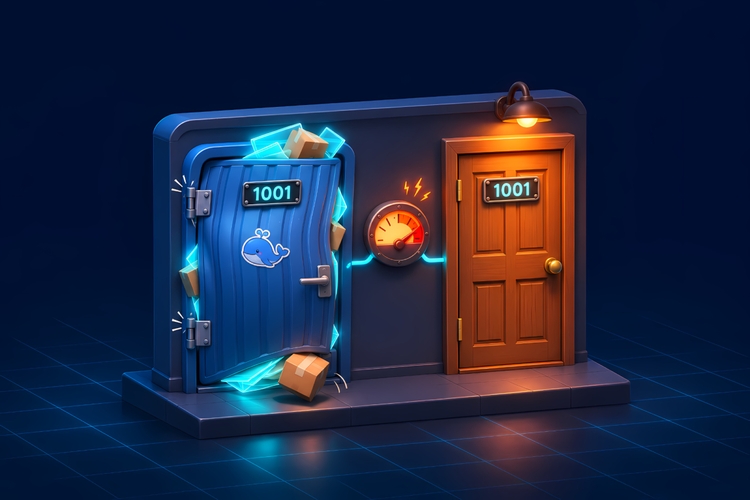
The Linux kernel knows users only by number. The name you give your user in a Dockerfile means nothing outside the container, so with Docker’s default (rootful) setup, container UID 1001 and host UID 1001 are the same user. Only user namespaces change that mapping, either through userns-remap or rootless Docker, and neither is on by default.
That reaches further than I expected:
- Image layers are files on the host. Docker unpacks them under
/var/lib/containerdor/var/lib/docker, depending on the storage backend, and keeps each file’s numeric owner. Whatever your Dockerfile copies with--chownto UID 1001 belongs to host UID 1001. - Volumes are files on the host too. Files the container creates in them belong to the UID it runs as.
- When user quotas are enabled, ext4 and XFS charge every file to its owner, wherever it sits on that filesystem.
What Happened
The image created its app user as UID 1001 and copied the app and node_modules with --chown to that user. On the server, UID 1001 was also an existing user account with a 5 GB quota.
Pulling the new image added hundreds of MB of files owned by 1001. The Docker daemon runs as root, and root can exceed quotas, so the pull went through and left the account at 5541 MB, past its hard limit. From then on every write by UID 1001 that needed new disk space failed: the app in the container, and the unrelated account on the host, which suddenly couldn’t write its own files either. Every new version whose layers change adds more of those files, and as long as old images stick around, the usage keeps piling up.
Removing the new image brought the account back down to 4652 MB.
1000 and 1001 are the usual picks in Dockerfiles (node is UID 1000 in the official Node images), and many Linux distributions hand out regular user IDs starting at 1000. On a host with real user accounts, a collision is easy.
How to Spot It
The app’s errors never mention a quota. Node reports Unknown system error -122 (errno 122 is EDQUOT on Linux), SQLite reports a disk I/O error, and touch still works because an empty file needs no data blocks. df shows plenty of free space, and docker system df only shows what Docker itself uses. Neither tells you about a user’s quota. Only shell tools like cp say “Disk quota exceeded” outright.
What gave it away was writing real data as the container’s UID and then asking the host who that UID is:
# Write 50 MB as the container user into one of its volumesdocker run --rm --user 1001:1001 -v <volume>:/d alpine \  sh -c 'f=/d/.probe-$$; dd if=/dev/zero of=$f bs=1M count=50 conv=fsync && echo WRITE_OK; rc=$?; rm -f $f; exit $rc'
# On the host: who is UID 1001, and what are the quotas?# (use the filesystem that holds /var/lib/docker and your volumes)getent passwd 1001sudo repquota -us /
What I Changed
The app now runs as UID 10001, which no host account uses, and it’s a build argument (ARG APP_UID=10001) in case that ever changes. The application files stay owned by root. The app only needs to read them, so the image no longer counts against the app user’s quota. The runtime user owns only the folders it writes to, which are the volume mount points.
Switching the UID of an existing service means stopping it and doing a one-time chown of its volumes (and the reverse if you roll back):
docker run --rm -v <volume>:/d alpine chown -R 10001:10001 /dAfter that, pulling the fixed image left the account’s disk usage exactly where it was.